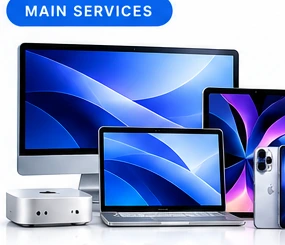
Macs & notebooks
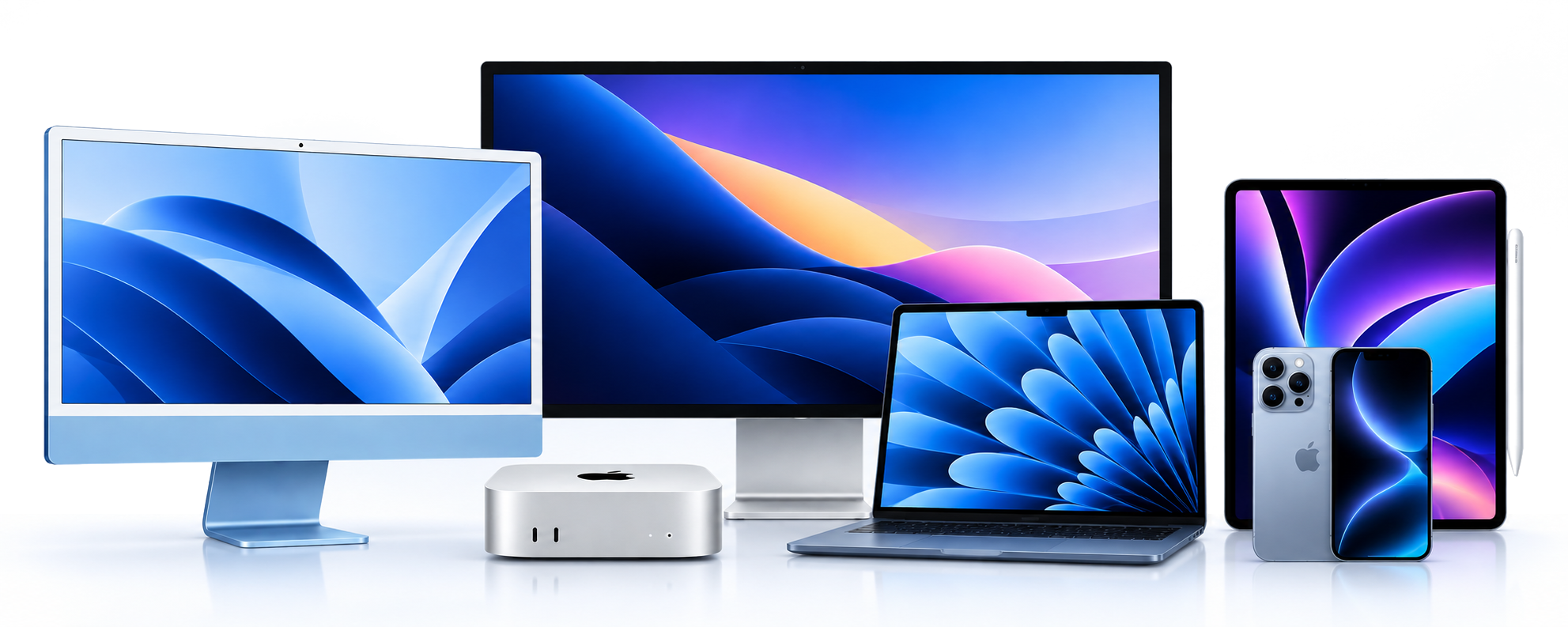
iMac, Mac mini, Mac Studio, MacBook Neo, MacBook Air and MacBook Pro, subject to availability.
MacWizardry isn't only about fixing things. I can help you choose and source new Apple hardware, work out what you actually need, provide a quote, and then get everything set up properly when it arrives.
Not sure what you need? Which model, storage size, memory or accessories are right for you? Tell me a little about your current device, what you use it for and what you’d like the new one to do, and I can help narrow down the options. If you’re not sure exactly which Mac you currently have, there’s a quick guide on the FAQ page to help you find out.
iMac, Mac mini, Mac Studio, MacBook Neo, MacBook Air and MacBook Pro, subject to availability.

Practical advice before you buy, with a quote based on what you actually need rather than simply the biggest specification.
Displays, storage, backup drives, hubs, adapters, keyboards, mice and other useful accessories to complete the setup.
When suitable stock is available, I can also help with selected second-hand or ex-demo equipment as a more economical option.

I can set up the new device, transfer your information, configure email and iCloud, connect printers, make sure everything is ready to use — and then show you how it all works!

From replacing one home Mac to planning several devices for a small business, I can help work out a sensible upgrade path.
Deal with me from start to finish — choosing the right equipment, getting a quote, ordering it, setting it up, transferring your data and helping you get comfortable using it.
What you're replacing, how you use it, any problems with the current setup and roughly what you'd like to spend.
I'll help compare suitable models and provide a quote, including any accessories or setup work you may need.
Once the equipment arrives, I can set it up, move your information across and make sure you're comfortable using it.
Replacing a Mac is about more than buying the box. Before moving you over, I can look at your existing Mac, applications, storage, backups and peripherals so we can identify anything that may need attention.
That can include transferring documents and photos, email setup, iCloud, printers, Time Machine backups and checking older software or accessories for compatibility.
Talk to me about an upgrade →
No problem. If you've already purchased a new Mac, iPhone or iPad, I can still help set it up, transfer your information and get everything working properly.
If you’re also looking at changing your internet connection, I use and recommend Aussie Broadband.
If you do sign up, please feel free to use my referral code: 11334273
Referral offers and eligibility can change, so check Aussie Broadband’s current terms when signing up.
Tell me what you're replacing or what you're trying to achieve and I'll help work out a sensible option.